While browsing in the terminal, if you want to open VS Code, It can be launched with the below command.
To open the current directory
code .
For this to work, please enable it in the command palette of VS Code first. Use Ctrl+Shift+P or Cmd+Shift+P to launch the command palette and search for “path”
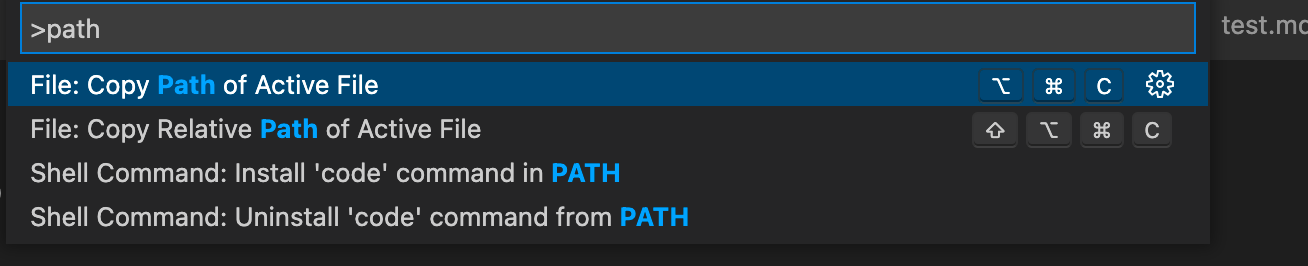
Choose the Option “Install ‘code’ command from PATH” and now you can open any directory directly from terminal.